The Migration Nobody Wanted: Rescuing a Critical Operations Platform
How I inherited a failing migration from a .NET desktop app to a modern web platform and turned 17 years of messy data into a system the client actually trusts.
Not every project starts with a blank canvas. Some start with a codebase that makes you question every decision that led to its current state, and a client who’s already lost faith in the process.
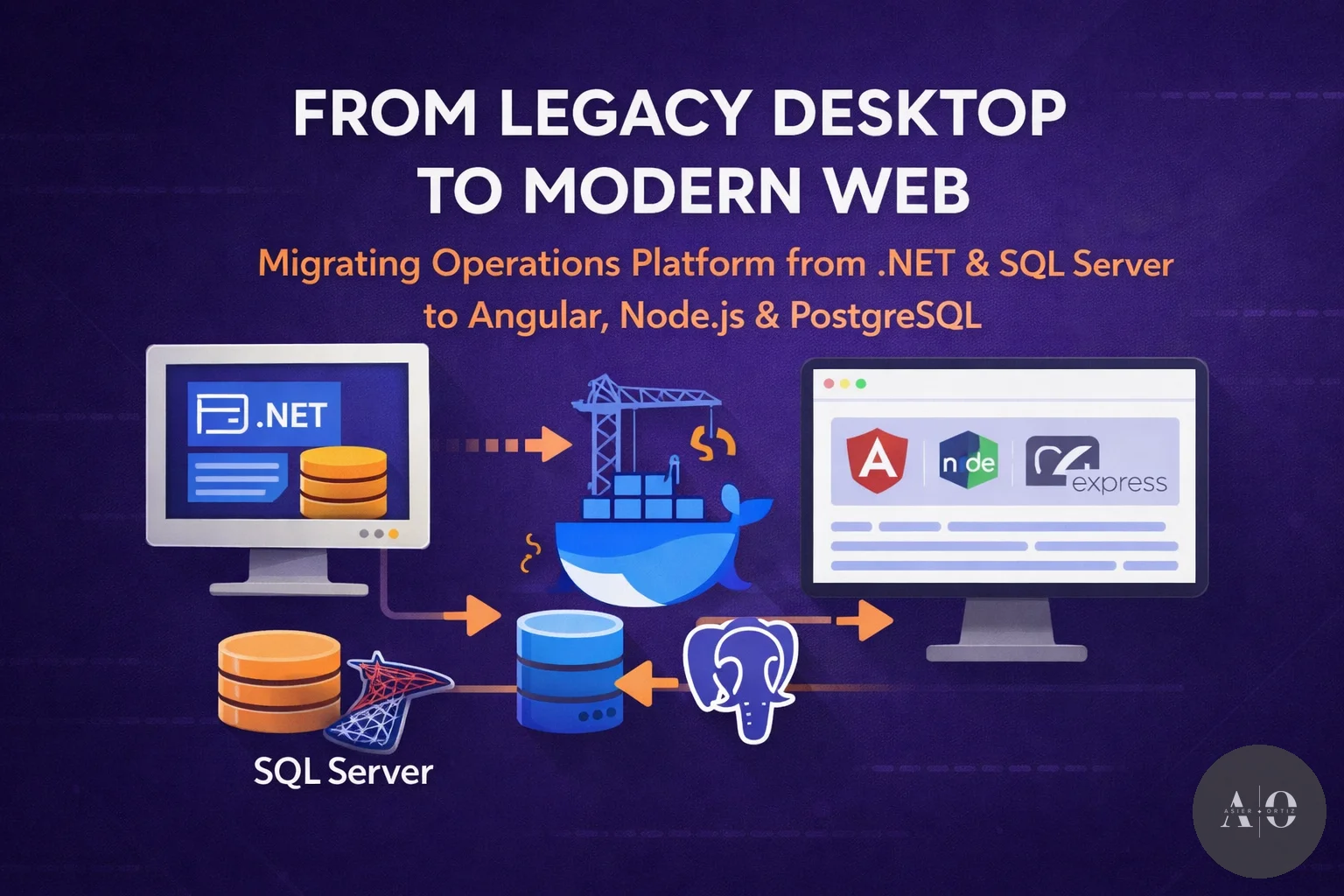
When I joined my current company, one of the first things assigned to me was a platform migration: taking a legacy .NET desktop application backed by SQL Server and turning it into a modern web platform. The system managed critical real-time operations for a regional government: coordinating field teams, tracking vehicles via GPS, managing inventory, scheduling shifts, and handling communications between coordinators and crews during time-sensitive winter campaigns.
The desktop app had been running for over 15 years, accumulating nearly 200,000 operational records and 17 seasonal campaigns worth of data. A team had already started the web migration before I arrived (Angular, Node.js, PostgreSQL), but when I opened the codebase, I realized the migration was in serious trouble.
📋 Table of Contents
1. What I Found
The first week was reading code, querying the database, and mapping out what was broken.
- No development environment. Developers before me worked directly against the production database. No local setup, no staging. When I asked how to set up a dev environment, the answer was: “You don’t. Just connect to production.”
- SQL Server ghosts. The database had been dumped from SQL Server to PostgreSQL but never cleaned up. System metadata tables, diagram storage, and old desktop configuration were still cluttering the schema.
- No referential integrity. Tables were linked by text strings, not foreign key constraints. If someone fixed a typo in a facility name, every record referencing the old spelling became orphaned. Resource identifiers were
TEXTin some tables,INTEGERin others. - Trigger recursion. Inventory triggers called functions that updated tables that fired the same triggers. An infinite loop that occasionally corrupted stock calculations.
- Broken personnel model. Shift records stored workers in hardcoded text columns with a fixed limit. No roles, no history, no way to query who was assigned where or when.
- No authentication or authorization. Every user had full access to everything. No roles, no permissions, no audit trail.
- Frontend chaos. RxJS memory leaks everywhere, inconsistent styling, no responsive design, components with templates hundreds of lines long.
I sat in front of the codebase on day three thinking: this is going to take months. It did. Four months, nearly 300 commits, and over 60 database migration scripts.
2. Turning It Around
A safe place to work
My first priority, before fixing a single bug, was creating a development environment. The previous workflow was genuinely scary: developers would periodically copy the entire production database by hand to get a semi-current snapshot. No automation, no consistency. One wrong query during an active winter campaign could corrupt data that coordinators were actively relying on.
I set up Docker Compose with PostgreSQL + PostGIS matching production exactly, and wrote an init script that restores the latest backup and applies all pending migrations automatically:
#!/bin/bash
set -e

DB_CMD="psql -U $POSTGRES_USER -d $POSTGRES_DB"

# Only restore if the database is empty
TABLE_COUNT=$($DB_CMD -t -c "SELECT count(*) FROM information_schema.tables WHERE table_schema = 'public'")
if [ "$TABLE_COUNT" -eq 0 ]; then
    BACKUP=$(ls -t /backups/*.backup /backups/*.sql 2>/dev/null | head -1)
    if [ -n "$BACKUP" ]; then
        echo "Empty database detected. Restoring from: $BACKUP"
        pg_restore -U "$POSTGRES_USER" -d "$POSTGRES_DB" "$BACKUP" 2>/dev/null || \
        $DB_CMD -f "$BACKUP"
    fi
fi

# Track applied migrations
$DB_CMD -c "CREATE TABLE IF NOT EXISTS schema_migrations (
    filename VARCHAR(255) PRIMARY KEY,
    applied_at TIMESTAMP DEFAULT NOW()
)"

# Apply only pending migrations
for script in /migrations/*.sql; do
    FILENAME=$(basename "$script")
    ALREADY_APPLIED=$($DB_CMD -t -c "SELECT 1 FROM schema_migrations WHERE filename = '$FILENAME'")
    if [ -z "$ALREADY_APPLIED" ]; then
        echo "Applying: $FILENAME"
        $DB_CMD -f "$script"
        $DB_CMD -c "INSERT INTO schema_migrations (filename) VALUES ('$FILENAME')"
    fi
done
Two days of work. After that, any developer could have a full local environment running with docker compose up -d. Those two days probably prevented more incidents than any single feature I built.
Fixing the foundation
The database was the root of everything. Over four months I wrote and executed 60+ migration scripts against a production system in active use. Every migration had to be backward-compatible and reversible, because the system couldn’t go offline during winter operations.
The work ranged from emergency fixes (stopping recursive triggers that corrupted data, fixing timezone handling) to massive structural changes. I restored referential integrity across dozens of tables by replacing text-string references with proper foreign keys, rebuilt the personnel model into a proper relational structure with role tracking, and cleaned out SQL Server artifacts from the initial dump.
The most complex operation was a three-phase migration of operational asset identifiers. Every operational asset in the system (vehicles, snow plows, field crews) was referenced by free-text strings everywhere, with different spellings and typos that had persisted for years. I designed an additive-first approach: add new columns alongside old ones, backfill, verify, switch application code, then drop the old. Each phase had rollback scripts tested in Docker. One of those rollbacks was actually used in production, turning what could have been a multi-hour emergency into a five-minute recovery.
One migration that captures the state of the data well: creating a single foreign key between vehicles and their assigned operational assets required fixing 30+ naming variations accumulated over 15 years and identifying over a dozen missing records for references that simply didn’t exist in the database. Nearly 300 lines of SQL, most of it data cleanup, just to make one constraint possible.
Rebuilding and delivering what the client actually needed
With the database solid, I rebuilt everything on top. Proper JWT authentication with multi-factor verification, role-based access control, real-time integrations with an IoT platform feeding GPS and sensor data every 60 seconds, automated weather alerts via Socket.io, and document generation for operational reports. On the frontend, I fixed memory leaks, standardized the UI, implemented responsive design, and added bilingual support.
But the real value was in understanding what the client actually needed and building it right. The shift calendar was the best example of this. The client had been managing shifts with a large paper spreadsheet, but when it came to digitalizing it, they couldn’t clearly articulate the underlying logic. After studying how they actually worked, I realized their spreadsheet rows mixed three completely different entity types (equipment, geographic zones, and personnel groups), each requiring distinct data models and interaction patterns. What looked like a simple grid was actually a complex coordination system with implicit rules that had never been formalized.
The same approach applied to the rest of the platform: the communication system, which was just a flat list of disconnected log entries, became a structured shift-based model where coordinators could track every instruction, every status change, and every team assignment within a single session. The electronic road signs installed across mountain passes, which had to be updated manually, could now be controlled directly from the web interface and updated automatically whenever a coordinator changed a road’s status.
Each of these features would have been impossible on the broken foundation I inherited. By fixing the data layer first, everything built on top just worked.
3. Lessons Learned
Set up the development environment first
Before fixing a single bug, if there’s no dev environment, make that your day-one priority. You cannot safely work on a system you can’t safely break.
Schema first, features second
There was pressure to deliver visible features immediately. I pushed back and prioritized migration scripts. It delayed delivery by weeks, but every feature built afterward was reliable from day one. The client noticed: data inconsistencies stopped, reports showed correct numbers, and trust started building.
Earn trust through consistency, not promises
When I started, the client was frustrated and skeptical. They’d seen developers come and go. I didn’t make big promises. I fixed things one at a time and made sure each fix stuck. After the first month of migrations, the tone changed. By month three, frustration had turned into genuine enthusiasm.
Trust isn’t built by grand gestures. It’s built by consistently delivering reliable work, week after week.
Final Thoughts
This project was the most challenging assignment I’ve taken on. Not because of any single technical problem, but because of years of debt layered on top of a half-finished migration on top of a 15-year-old legacy system. Fixing one thing often revealed two more.
But the compounding effect is real. Clean the database, and backend bugs become traceable. Stabilize the backend, and frontend improvements land with confidence. Get the frontend consistent, and users start reporting feature requests instead of bugs. That shift from fighting fires to building features was the turning point.
The platform is now in active production use. Paper spreadsheets, manual radio check-ins, and disconnected workflows have all been replaced by a single, reliable system. And the client is happy, which is what matters most.